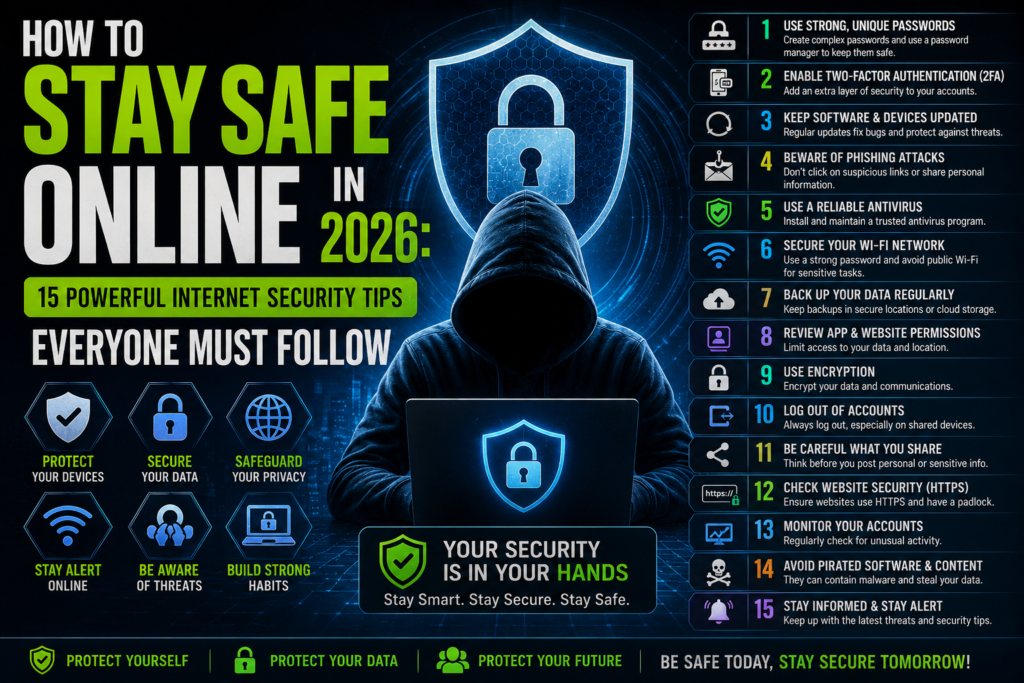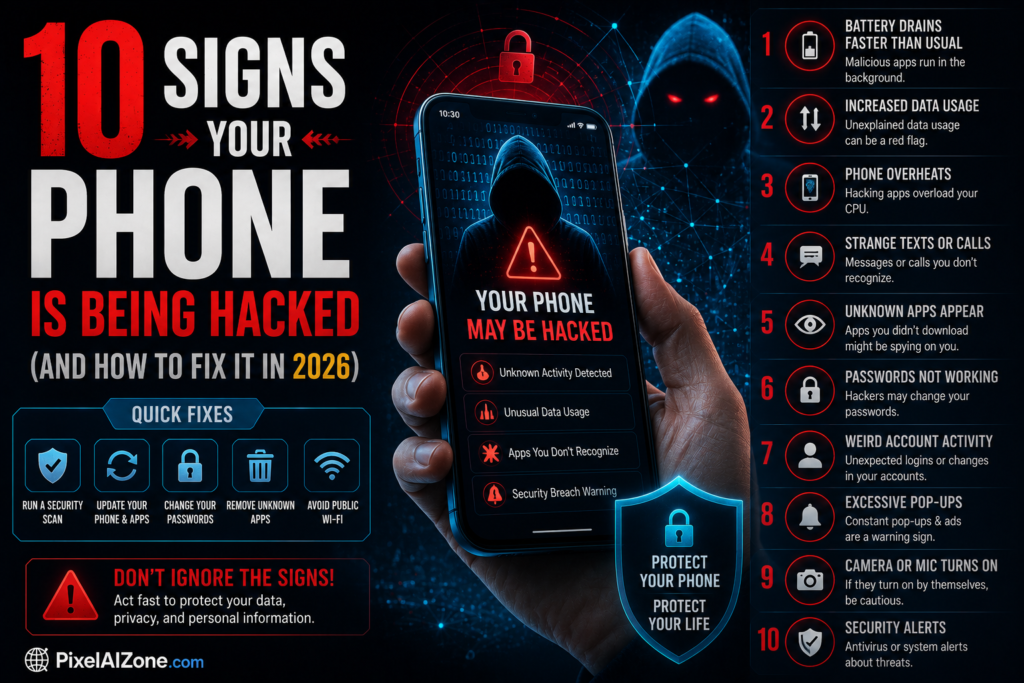
Phone hacked signs are becoming more common in 2026 as cyber threats continue to grow. Many users don’t realize their phone is hacked until serious damage is done. Smartphones today store personal data, banking details, and private information, making them a prime target for hackers.
In this article, we will explore the most common phone hacked signs and how you can identify and fix them quickly before it’s too late.
Many users do not realize their phone is hacked until it is too late. In this article, we will explain phone hacked signs and how you can fix them quickly.
Why Phone Security Matters
Your phone contains:
- personal photos
- bank details
- social media accounts
- private messages
If hacked, all this information can be stolen or misused.
1. Battery Drains Quickly
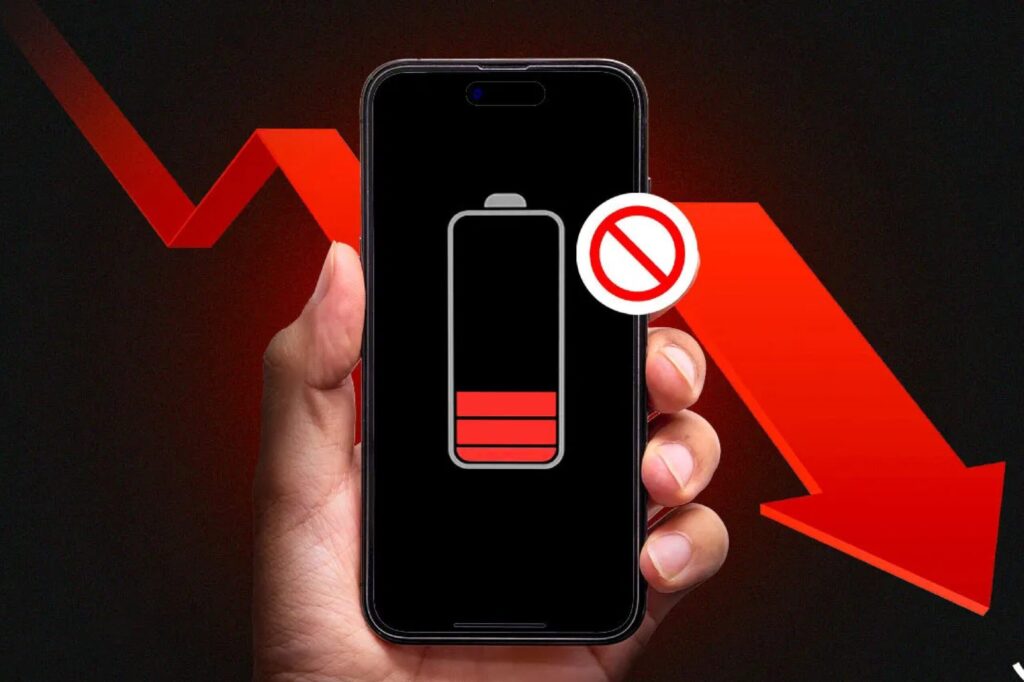
If your phone battery suddenly drains fast, it may be running hidden apps.
2. Phone Becomes Slow
Unusual lag or freezing can indicate malicious software.
3. Unknown Apps Installed
If you see apps you didn’t install, it is a red flag.
4. High Data Usage
Spy apps often use internet in background.
5. Strange Pop-ups
Random ads or pop-ups may indicate malware.
6. Overheating Device
A hacked phone may work in background continuously.
7. Unknown Calls or Messages
Hackers may use your number for spam activities.
8. Login Alerts from Unknown Locations
Your accounts may be accessed from other devices.
9. Settings Changed Automatically
Security settings changing without permission is dangerous.
10. Apps Crashing Frequently
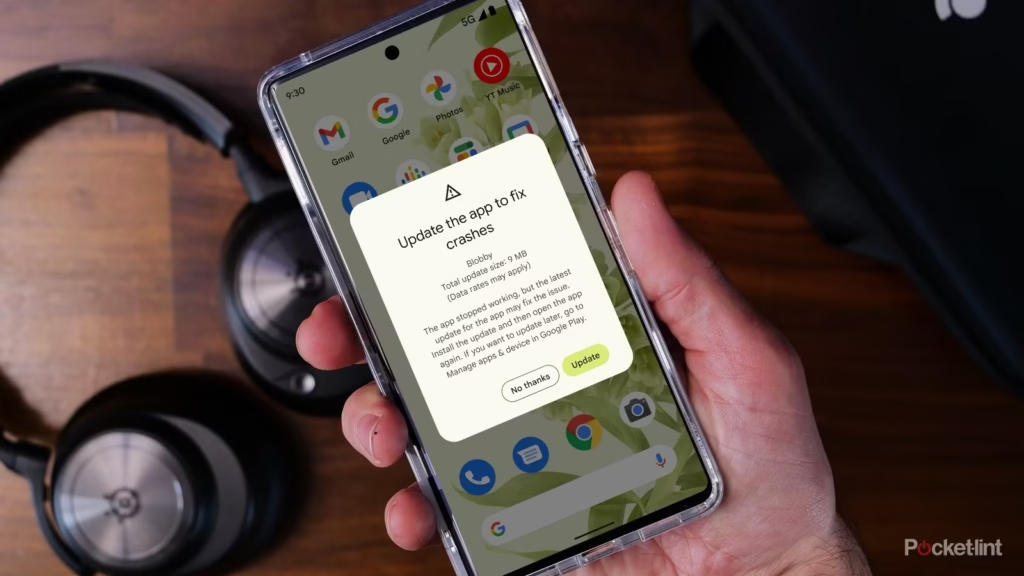
Malware can interfere with normal apps.
How to Fix a Hacked Phone
If you notice phone hacked signs, follow these steps:
1. Remove Suspicious Apps
Delete unknown applications immediately.
2. Change Passwords
Update all important account passwords.
3. Run Antivirus Scan
Use trusted security apps.
4. Update Your Phone
Install latest system updates.
5. Factory Reset (Last Option)
If problem continues, reset your phone.
How to Prevent Phone Hacking
- Use strong passwords
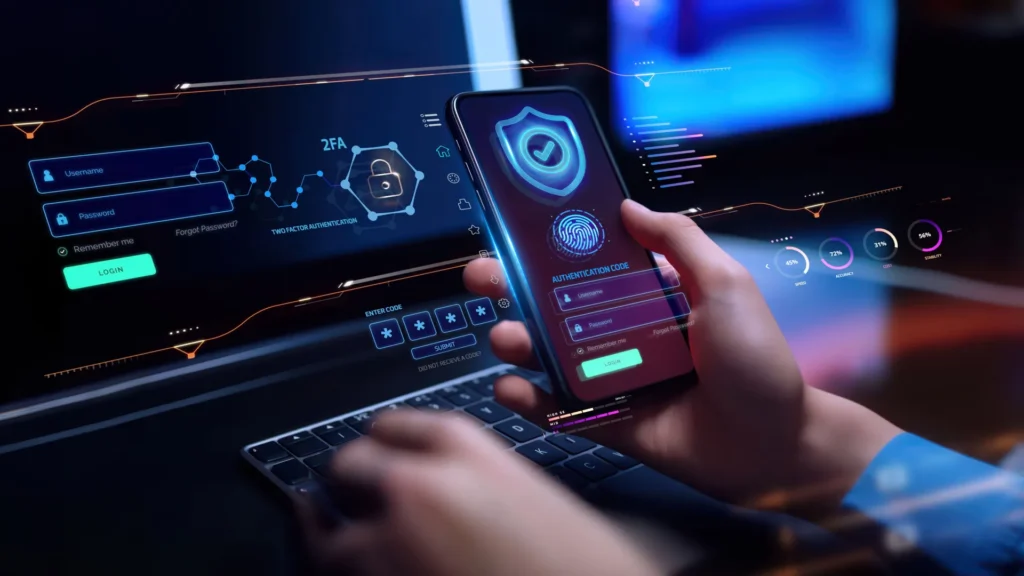
- Enable 2FA (two-factor authentication)
- Don’t click unknown links
- Download apps only from official stores
- Keep software updated
Role of Tech Companies
Companies like Google are continuously improving Android security systems to protect users from malware and hacking attacks.
Future of Mobile Security
In the future, mobile security will include:
- AI-based threat detection
- biometric authentication
- real-time malware blocking
For more safety guidelines, visit Google Safety Center
💡 Final Advice for Phone Security in 2026
In 2026, smartphone security is more important than ever because hackers are using advanced tools to access personal data. Most users ignore early warning signs, which makes the situation worse.
If you notice any phone hacked signs, you should act immediately by securing your accounts, removing suspicious apps, and updating your device. Prevention is always better than fixing the problem after damage is done.
Staying alert and following basic security habits can protect your phone, privacy, and personal information in the long run. Always remember that small precautions can save you from big cyber threats.
“Always stay alert and keep your device secure from online threats.”
Conclusion
Understanding phone hacked signs is very important in 2026. Early detection can save your personal data and protect your digital identity. Always stay alert and follow security practices.