Your smartphone is spying on you. Yes, right now. And you didn’t even know it.
The truth is hiding in your pocket.
Your smartphone is the most personal device you own.
It knows where you sleep. Where you work. Who you text. What you search for at 2 AM. Even how fast you walk.
But here’s the uncomfortable truth: “Yes, your smartphone is spying.”
Your phone is doing a lot more than you realize.
Most of these things aren’t explained in the user manual. They’re buried in settings menus you’ve never opened. And some of them? You never agreed to at all. Your smartphone is spying on you more than you realize. “So your smartphone is spying. Now what?”
Let me show you 10 things your smartphone is secretly doing right now – and exactly how to stop them.
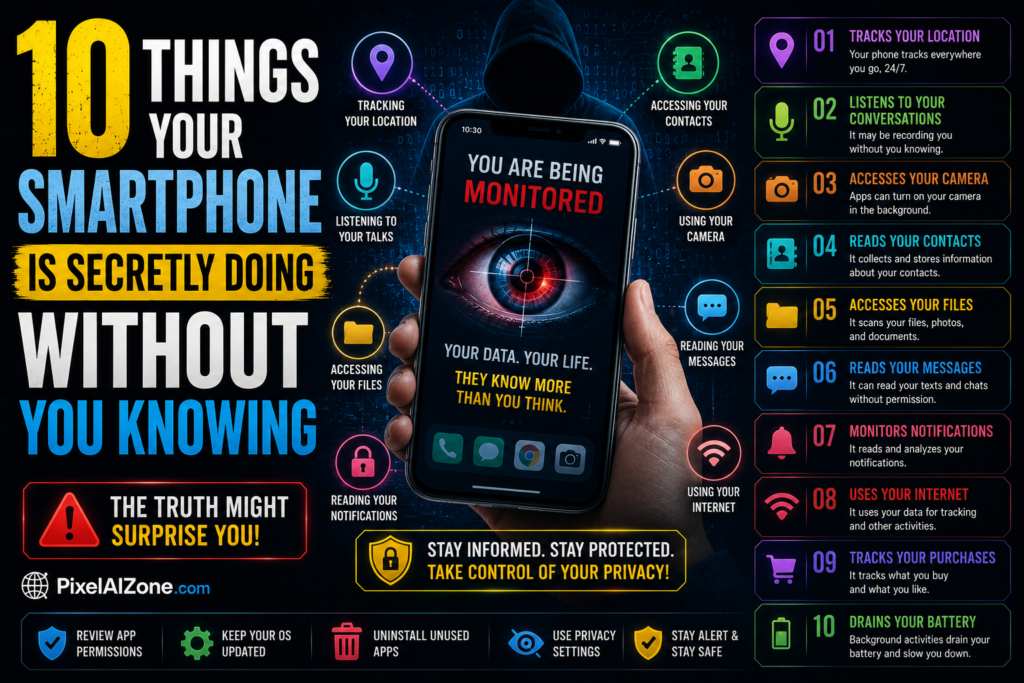
10 Ways Your Smartphone Is Spying on You Without Permission
Table of Contents
- Listening to Your Conversations (Even When Idle)
- Tracking Your Exact Location 24/7
- Recording Every App You Open and For How Long
- Selling Your Data to Advertisers
- Scanning Your Photos Using AI
- Monitoring Your Typing Speed and Habits
- Tracking Your Sleep and Movement Patterns
- Sharing Your Wi-Fi Passwords Without Permission
- Recording Your Surroundings Through Microphones
- Building a Psychological Profile of You
1. Listening to Your Conversations (Even When Idle)
You’ve had the experience.
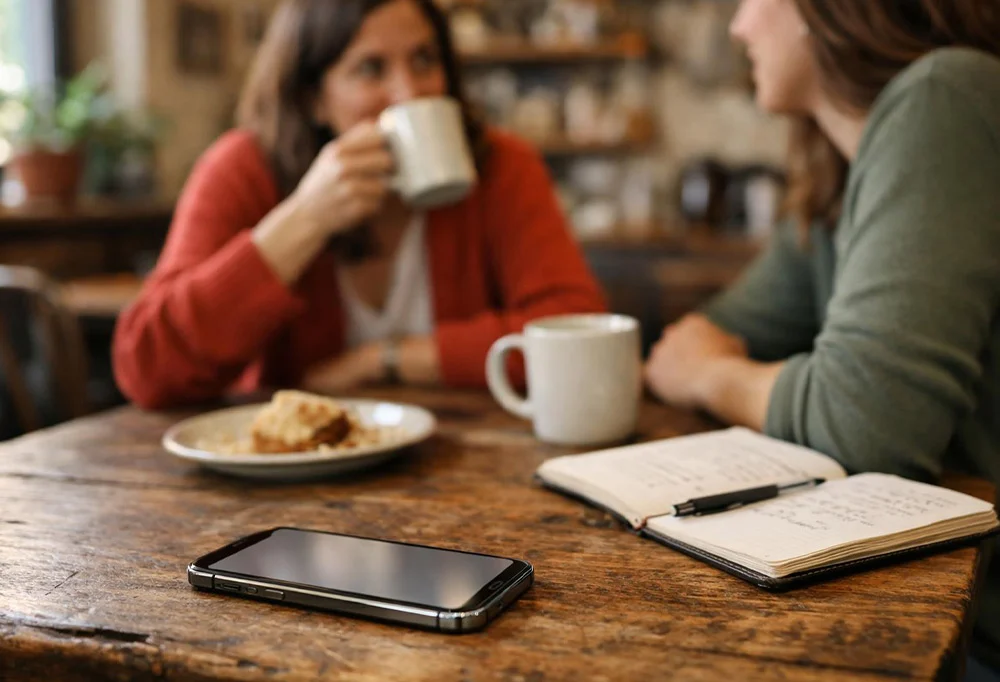
You talk about wanting pizza with a friend. Five minutes later, you see a Domino’s ad.
Coincidence? Probably not.
What’s happening:
Your phone’s voice assistant (Google Assistant, Siri, or Bixby) is always waiting for its wake word – “Hey Google” or “Hey Siri.” To do that, it must listen to everything.
Most companies claim they don’t store these recordings unless you activate the assistant. But independent tests have shown otherwise. Background conversation snippets get sent to servers more often than admitted.
How to stop it:
- Go to Settings → Google → Account Services → Search, Assistant & Voice → Voice → Disable “Include audio recordings”
- For iPhone: Settings → Siri & Search → Turn off “Listen for ‘Hey Siri'”
“According to Stanford University’s privacy research, smartphones can activate microphones without clear user notification.”
2. Tracking Your Exact Location 24/7
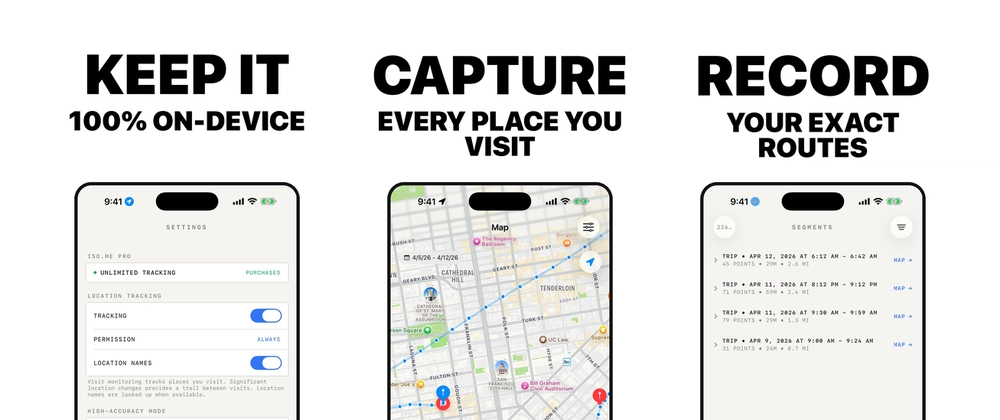
Open your phone’s settings right now. Go to Location Services.
How many apps have “Always” access?
What’s happening:
Your phone records where you go, how long you stay, and even your frequently visited locations. This data is stored locally and often shared with Apple or Google for “personalized experiences.”
Shocking fact: Even with Location Services turned off, your phone can be tracked through Wi-Fi triangulation, Bluetooth beacons, and cell tower connections.
How to stop it:
- iPhone: Settings → Privacy & Security → Location Services → Review each app and change “Always” to “While Using”
- Android: Settings → Location → App location permissions → Change to “Allow only while using the app”
- Also disable “Google Location History” and “Google Location Sharing”
“Google’s own location tracking policy admits that even with Location History off, some data is still collected.”
3. Recording Every App You Open and For How Long
Your phone keeps a digital diary of your behavior.
What’s happening:
Both iPhone and Android track:
- Which apps you open
- Exactly when you open them
- How many minutes you spend in each
- Your most active hours
For iPhone users, go to Settings → Screen Time → See All Activity. You’ll be shocked at what’s recorded.
Why it matters: This data is used to predict your behavior, serve targeted ads, and even determine your creditworthiness in some countries.
How to stop it:
- iPhone: Settings → Privacy & Security → Analytics & Improvements → Turn off “Share iPhone Analytics”
- Android: Settings → Privacy → Usage & diagnostics → Turn off
4. Selling Your Data to Advertisers

Here’s the business model you agreed to:
You don’t pay for Facebook, Instagram, or Google Maps. Advertisers do. And they pay because your data is incredibly valuable.
What’s happening:
Your phone creates a unique advertising ID. Advertisers use this ID to build a profile of your interests, income, shopping habits, political views, and more.
What they know about you:
- Your approximate income (based on your location and purchases)
- Whether you have children
- Your relationship status
- Your health interests
- Your political leanings
- Even your emotional state
How to stop it:
- iPhone: Settings → Privacy & Security → Tracking → Turn off “Allow Apps to Request to Track”
- Android: Settings → Privacy → Ads → Delete advertising ID and opt out of ad personalization
“So your smartphone is spying. But why should you care? Because your smartphone is spying on your location, your conversations, and your daily habits. Once you understand how your smartphone is spying, you can take control of your privacy.”
Another way your smartphone is spying is through your photos.
5. Scanning Your Photos Using AI

Every photo you take gets analyzed – automatically.
What’s happening:
Your phone runs AI models that scan your photos to detect:
- Faces (and group them by person)
- Locations (using GPS data)
- Objects (dogs, cars, food, landmarks)
- Text (signs, documents, whiteboards)
Apple calls this “curating memories.” Google calls it “helpful organization.” Privacy advocates call it surveillance.
How to stop it:
- iPhone: Settings → Photos → Turn off “Enhanced Visual Search” and “Shared with You”
- Android (Google Photos): Settings → Preferences → Turn off “Group similar faces” and “Scene detection”
Yes, your smartphone is spying on your typing habits too.
6. Monitoring Your Typing Speed and Habits
Your keyboard is watching you.
What’s happening:
If you use Gboard (Google Keyboard), SwiftKey, or even the default keyboard on many Androids, your typing patterns are being recorded.
This includes:
- Your typing speed
- Your most common typos
- Your vocabulary
- Even how long you pause between words
Why it matters: This data helps improve autocorrect. But it also helps build a behavioral profile. Some researchers have shown that typing patterns can identify stress, fatigue, and even early signs of neurological conditions.
How to stop it:
- Use a privacy-focused keyboard like OpenBoard (Android) or disable cloud predictions entirely
- iPhone: Settings → General → Keyboard → Turn off “Predictive” and “Check Spelling”
- Android: Settings → System → Languages & input → Virtual keyboard → Gboard → Privacy → Turn off “Share usage statistics”
7. Tracking Your Sleep and Movement Patterns
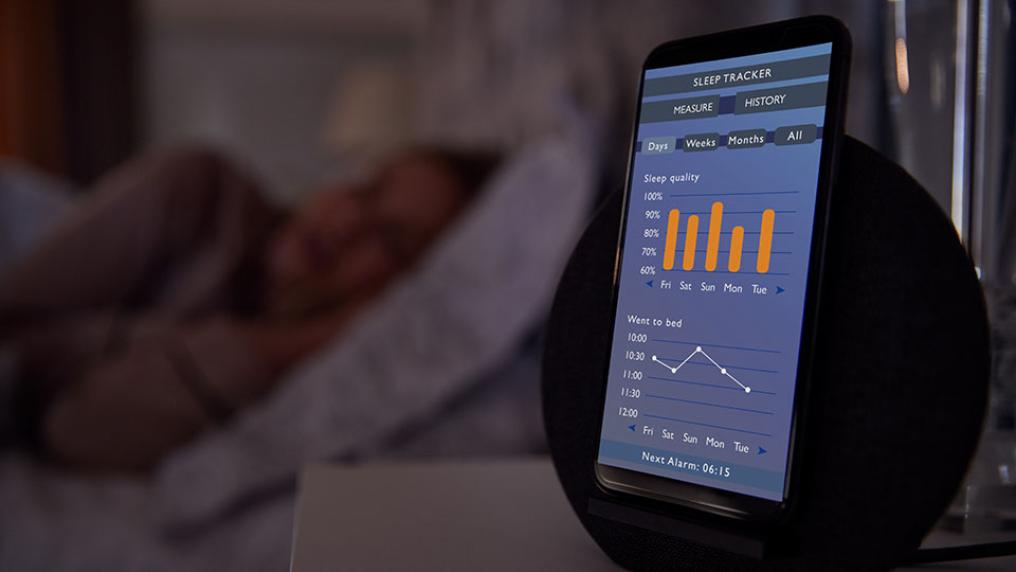
Your phone knows when you sleep – even without a sleep tracking app.
What’s happening:
Your phone’s accelerometer (the sensor that detects motion) runs continuously. It can tell:
- When you put your phone down (likely bedtime)
- When you pick it up in the morning
- How many times you wake up at night
- How much you move during sleep
Many users never realize their phone is logging this data.
How to stop it:
- iPhone: Settings → Focus → Sleep → Turn off “Sleep Tracking”
- Android: Settings → Digital Wellbeing → Turn off “Bedtime mode”
- Also turn off “Do Not Disturb” schedules if you don’t want them linked to sleep tracking
8. Sharing Your Wi-Fi Passwords Without Permission
Remember that time you visited a friend and asked for their Wi-Fi password?
What’s happening:
On many phones, if you share a Wi-Fi password once, your phone may automatically share it with your contacts or nearby devices in the future.
This feature is called “Wi-Fi password sharing” – and it’s enabled by default on many devices.
The risk: Anyone in your contact list within Bluetooth range can connect to your home Wi-Fi without asking you again.
How to stop it:
- iPhone: Settings → Wi-Fi → Tap the (i) next to your network → Turn off “Share with contacts”
- Android: Settings → Network & internet → Wi-Fi → Wi-Fi preferences → Turn off “Share Wi-Fi with contacts”
9. Recording Your Surroundings Through Microphones
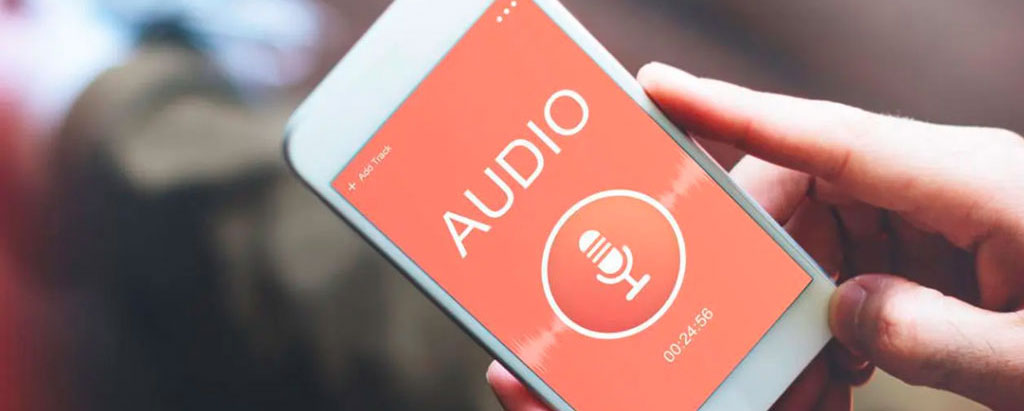
This one sounds like a conspiracy theory. It’s not.
What’s happening:
Apps with microphone permission can technically listen at any time. Most don’t. But some have been caught.
In 2021, Meta (Facebook) admitted to hiring contractors to transcribe user audio snippets. In 2023, several Android apps were found using microphone permissions to listen for “commercial detection” – specifically, TV ads.
Real example: A major retailer admitted using smartphone microphones in stores to detect how many people passed by and how long they stayed near displays.
How to stop it:
- Review microphone permissions: Settings → Privacy → Microphone → Disable for any app that doesn’t absolutely need it
- For absolute privacy: Use a microphone blocking dongle (hardware switch) or put your phone in a Faraday bag
10. Building a Psychological Profile of You

This is the most disturbing one.
What’s happening:
Companies combine all the data above – location, behavior, typing patterns, contacts, searches, purchases – to build a complete psychological profile.
What does this profile include?
- Your personality type (introvert/extrovert)
- Your emotional stability
- Your risk tolerance
- Your political leanings
- Your spending impulses
- Even your likely mental health status
Why it matters: These profiles are sold to insurance companies (to adjust your rates), employers (to screen candidates), and lenders (to determine interest rates). In some cases, you never consented and have no way to see the profile.
How to stop it:
There’s no single switch for this. You need to limit data collection across all points above. Start with:
- Use a VPN
- Use DuckDuckGo (not Google)
- Turn off cross-app tracking
- Use privacy-focused browsers like Brave
- Opt out of data brokers (Google “data broker opt-out guide”)
This is another way your smartphone is spying on your daily routine.
Quick Action Checklist (Save This)
| # | Action | Time Needed |
|---|---|---|
| 1 | Disable “Hey Siri” / “Hey Google” | 30 seconds |
| 2 | Review location permissions | 5 minutes |
| 3 | Turn off analytics sharing | 1 minute |
| 4 | Reset advertising ID | 1 minute |
| 5 | Turn off photo scanning | 1 minute |
| 6 | Switch to privacy keyboard | 10 minutes |
| 7 | Disable sleep tracking | 30 seconds |
| 8 | Turn off Wi-Fi sharing | 30 seconds |
| 9 | Review microphone permissions | 2 minutes |
| 10 | Start using privacy tools | 15 minutes |
Total time to protect your privacy: ~35 minutes
FAQ
Q: Is my phone actually listening to me all the time?
A: It’s listening for its wake word. Whether it records beyond that depends on your settings. By default, some devices do send snippets to servers for “quality improvement.”
Q: Can I completely stop all tracking?
A: Not completely, but you can reduce 90% of it using the steps above. For complete privacy, you’d need a de-Googled phone like GrapheneOS.
Q: Does turning off Location Services stop all location tracking?
A: No. Your phone can still be tracked via Wi-Fi triangulation and cell towers. Disabling “Google Location History” and using a VPN helps.
Q: Are iPhones more private than Androids?
A: Generally yes, but both collect significant data. iPhone has stronger app permission controls. Android has more customization for privacy if you know what you’re doing.
Q: Should I be worried about these things?
A: Worried? No. Aware? Yes. Most data collection is for advertising, not spying. But it’s good to know what you’re sharing.
Q: Is my smartphone really spying on me?
A: Yes, your smartphone is spying in multiple ways.
Now you know exactly how your smartphone is spying on you. Here’s how to stop it.
Final Thoughts
Your smartphone is spying on you daily. But you can stop most of it.
Your smartphone is an incredible tool. But it’s also a data-hungry device designed to learn everything about you.
The good news?
Most of these “secret” features can be turned off in less than 5 minutes each.
You don’t need to throw away your phone or live off the grid. You just need to spend 30 minutes going through your settings one time.
Your privacy is worth 30 minutes.
Did you find something surprising in this list?
Drop a comment below. Which number shocked you the most?
Know someone who needs to read this? Share it with them. They probably have no idea what their phone is doing.