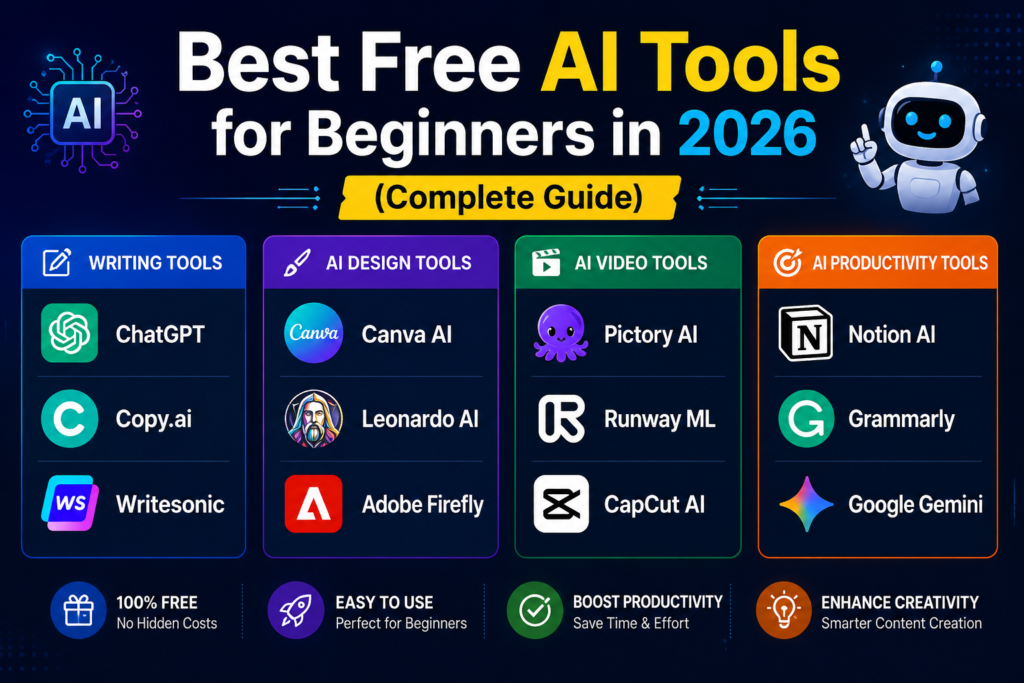
Studying is hard. But AI makes it easier.
Let’s be honest.
Being a student in 2026 is tougher than ever. More assignments. More exams. More pressure.
But here’s the good news:
You have something no student had 5 years ago – AI tools.
These tools won’t do your homework for you (well, some might). But they will save you 10+ hours every week.
In this guide, I’ll show you the best AI tools for students that will help you study faster, write better, and stress less.
Table of Contents
- Why Students Need AI Tools in 2026
- 7 Best AI Tools for Students
- Free vs Paid – What’s Worth It?
- How to Use AI Without Cheating
- Student Discounts on AI Tools
- FAQ
Why Students Need AI Tools in 2026
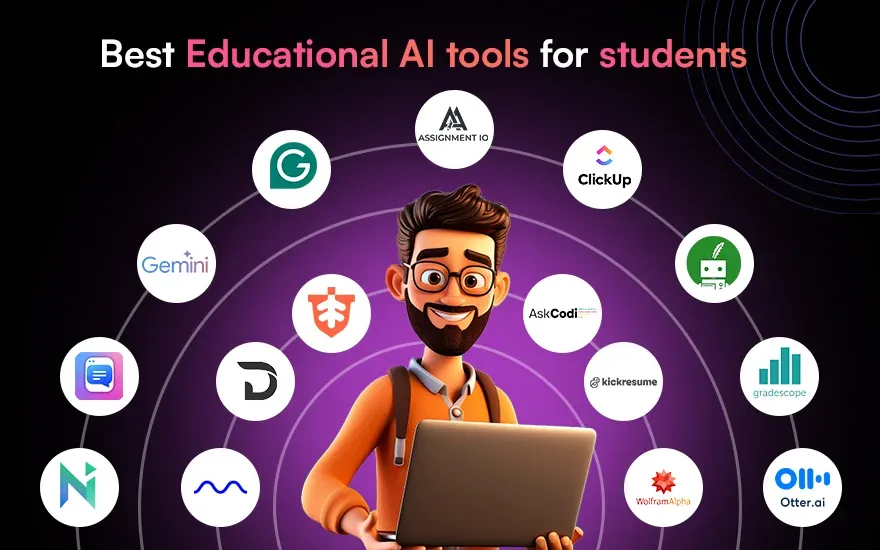
Here’s the truth no one tells you:
Your professors are already using AI. Your classmates are already using AI. Even your parents might be using AI at work.
According to Forbes, 76% of students now use AI tools regularly for studying.
Why AI tools are essential for students:
✅ Save time – Cut research time by 70%
✅ Better grades – AI helps you understand complex topics
✅ Less stress – No more staring at blank pages
✅ 24/7 availability – Study at 3 AM with instant help
✅ Learn faster – Personalized explanations at your pace
The best AI tools for students can save you 10+ hours every week.
7 Best AI Tools for Students
Let’s get straight to the tools that actually work.
1. ChatGPT (Best for Research & Writing)
Best for: Research, essay outlines, brainstorming, explanations
| Feature | Benefit |
|---|---|
| Free version available | $0 to start |
| 24/7 availability | Study anytime |
| Explains complex topics | Like having a tutor |
| Writes first drafts | Saves hours of staring |
How students use it:
- Summarize long textbook chapters
- Generate essay outlines
- Explain difficult concepts in simple terms
- Brainstorm project ideas
Cost: Free (GPT-3.5) or $20/month (GPT-4)
That’s why ChatGPT is one of the top AI tools for students.
2. ElevenLabs (Best for Studying with Audio)
Best for: Turning notes into audio, listening while commuting
| Feature | Benefit |
|---|---|
| Realistic voices | Easy to listen for hours |
| 29+ languages | Study foreign texts |
| Fast generation | Instant audio from text |
How students use it:
- Convert notes to audio and listen while walking
- Listen to textbook chapters during commute
- Proofread essays by hearing them aloud
🔴 https://try.elevenlabs.io/3sf6fs1dcxl4 – ElevenLabs Student Plan]
Cost: Free tier (10,000 characters/month) or paid from $5/month
ElevenLabs is another essential among AI tools for students.
3. Fliki AI (Best for Video Projects)
Best for: Creating video presentations, summaries, and projects
| Feature | Benefit |
|---|---|
| Text to video | Turn essays into videos |
| AI voiceover | Professional narration |
| Stock footage library | No need to film |
| Subtitle generator | Auto-captions |
How students use it:
- Create video presentations instead of slides
- Make study summary videos
- Produce class project videos in minutes
🔴 https://fliki.ai/?via=ibtsam – Fliki AI Student Discount]
Cost: Free tier (5 min video/month) or paid from $8/month
Fliki AI completes the list of best AI tools for students.
4. QuillBot (Best for Paraphrasing & Grammar)
Best for: Rewriting sentences, avoiding plagiarism, fixing grammar
| Feature | Benefit |
|---|---|
| Paraphrasing tool | Rewrite sentences in seconds |
| Grammar checker | Fix errors instantly |
| Citation generator | Perfect bibliographies |
| Summarizer | Condense long articles |
How students use it:
- Reword sources to avoid plagiarism
- Fix grammar before submitting
- Summarize long research papers
Cost: Free tier or $9.95/month premium
5. Notion AI (Best for Notes & Organization)
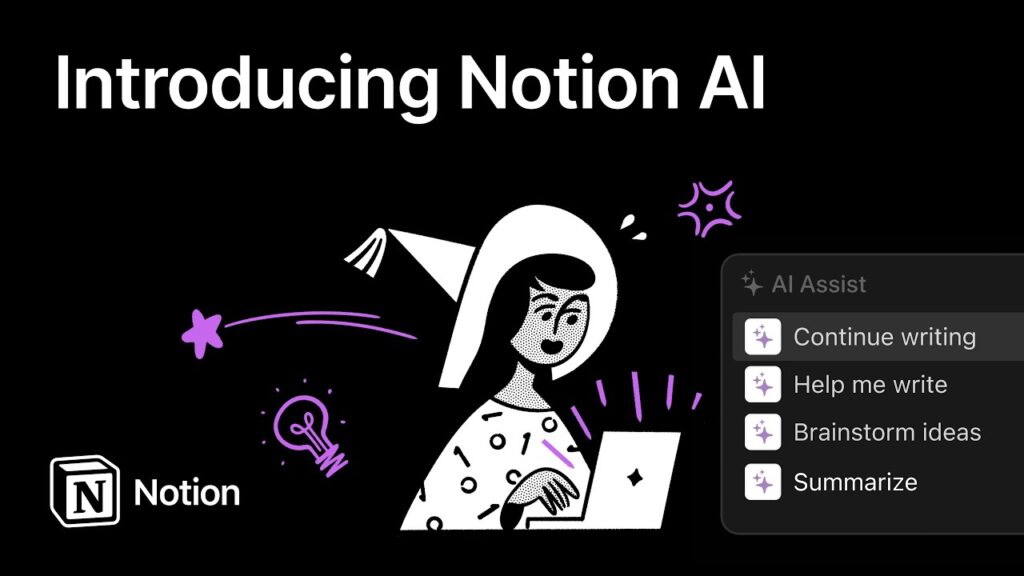
Best for: Organizing notes, managing assignments, project tracking
| Feature | Benefit |
|---|---|
| AI writing assistant | Helps complete sentences |
| Auto-summarize notes | Study faster |
| Assignment tracker | Never miss deadlines |
| Template library | Ready-to-use student setups |
How students use it:
- Organize all class notes in one place
- Track assignments and deadlines
- Collaborate on group projects
Cost: Free for students with .edu email or $10/month
6. Otter.ai (Best for Lecture Transcription)
Best for: Recording lectures, transcribing discussions, taking notes
| Feature | Benefit |
|---|---|
| Live transcription | Records everything professor says |
| Speaker identification | Knows who said what |
| Searchable notes | Find topics instantly |
| Works offline | No wifi needed |
How students use it:
- Record lectures and get transcripts
- Never miss important points
- Search transcripts for specific topics
Cost: Free tier (300 min/month) or $8.33/month student plan
7. Quizlet (Best for Flashcards & Memorization)
Best for: Creating flashcards, practice tests, memorizing facts
| Feature | Benefit |
|---|---|
| AI-generated flashcards | Auto-create from notes |
| Practice tests | Test your knowledge |
| Spaced repetition | Memorize faster |
| Mobile app | Study anywhere |
How students use it:
- Turn lecture notes into flashcards
- Practice before exams
- Study with friends
Cost: Free tier or $7.99/month premium
Quick Comparison Table
| Tool | Best For | Free Tier | Student Price |
|---|---|---|---|
| ChatGPT | Research & writing | ✅ Yes | Free-$20 |
| ElevenLabs | Audio notes | ✅ Yes | $5/month |
| Fliki AI | Video projects | ✅ Yes | $8/month |
| QuillBot | Paraphrasing | ✅ Yes | $9.95/month |
| Notion AI | Organization | ✅ Yes (.edu) | Free-$10 |
| Otter.ai | Lecture transcription | ✅ Yes | $8.33/month |
| Quizlet | Memorization | ✅ Yes | $7.99/month |
These 7 AI tools for students cover every study need.
Free vs Paid – What’s Worth It?
Start with free tiers first:
| Stage | Action |
|---|---|
| Week 1-2 | Use all free tiers |
| Week 3-4 | See which tools you use most |
| Month 2 | Upgrade 1-2 most-used tools |
🔴 https://try.elevenlabs.io/3sf6fs1dcxl4 – ElevenLabs]
🔴 https://fliki.ai/?via=ibtsam – Fliki AI]
My recommendation for students: Start with ChatGPT free + ElevenLabs free + Fliki AI free. That’s enough for most students.
How to Use AI Without Cheating
Important distinction:
| ✅ Acceptable Use | ❌ Cheating |
|---|---|
| Brainstorming ideas | Copy-pasting entire essays |
| Outlining structure | Using AI instead of thinking |
| Explaining concepts | Submitting AI work as your own |
| Grammar checking | Not learning the material |
| Summarizing readings | Avoiding all reading |
Golden rule: Use AI as a tool, not a replacement.
According to TechCrunch, most universities now allow AI tools if properly cited and disclosed.
Student Discounts on AI Tools
Many AI tools offer 50-70% discounts for students with .edu email:
| Tool | Student Discount | How to Get |
|---|---|---|
| Notion AI | Free (was $10/month) | Use .edu email |
| Otter.ai | 40% off | Student plan signup |
| Canva Pro | Free for students | .edu email verification |
| Quizlet | 30% off | Student plan |
Pro tip: Always check for student pricing before paying full price.
Sample Study Workflow (With AI)
| Time | Task | AI Tool Used |
|---|---|---|
| 8:00 AM | Attend lecture | Otter.ai (recording) |
| 10:00 AM | Review notes | ChatGPT (summarize) |
| 1:00 PM | Write essay outline | ChatGPT |
| 3:00 PM | Create study flashcards | Quizlet |
| 5:00 PM | Listen to notes while walking | ElevenLabs |
| 7:00 PM | Video project | Fliki AI |
Total hours saved per week: 10+ hours ✅
Common Mistakes to Avoid
| ❌ Mistake | ✅ Fix |
|---|---|
| Copy-pasting AI output | Edit and add your own thoughts |
| Using only one tool | Use different tools for different tasks |
| Paying full price | Always check student discount |
| Not fact-checking | AI can make mistakes |
| Procrastinating | Use AI to start, not delay |
FAQ
Q: Are AI tools allowed in my university?
A: Most allow it. Check your university policy. When in doubt, ask your professor.
Q: Will my professors know if I use AI?
A: Yes, if you copy-paste. No, if you use it as a tool. Many professors now use AI detectors.
Q: Can I use free tools only?
A: Yes. ChatGPT free + ElevenLabs free + Fliki AI free is enough for most students.
Q: Which AI tool is best for exam preparation?
A: Quizlet for memorization, ChatGPT for understanding concepts, ElevenLabs for audio review.
Q: How much time can AI really save?
A: Most students report saving 5-15 hours per week using these tools.
Q: Which are the best AI tools for students?
A: ChatGPT, ElevenLabs, and Fliki AI.
Final Thoughts
You don’t need to be a tech expert to use AI tools for studying.
Start with free versions. Learn one tool at a time. Build your workflow gradually.
The best AI tool for you is the one you’ll actually use.
Your action plan for today:
- Sign up for ChatGPT free
- Sign up for ElevenLabs free
- Sign up for Fliki AI free
- Use them for your next assignment
- See how much time you save
The best AI tools for students are the ones you actually use daily.
🔴 https://try.elevenlabs.io/3sf6fs1dcxl4 – ElevenLabs]
🔴 https://fliki.ai/?via=ibtsam – Fliki AI]
Related Posts on PixelAIZone
“7 Easy Ways to Make AI Voiceover Videos for YouTube & TikTok (Step-by-Step Guide 2026)”
Shocking: 10 Things Your Smartphone Is Spying Secretly on You (Without You Knowing)
Best AI Tools for Making Money Online in 2026 (Powerful & Viral Guide)
ChatGPT vs Gemini in 2026 (Powerful AI Comparison Guide)
Top 10 Powerful Work From Home Jobs for Students in 2026
How to Start a Blog and Make Money in 2026 (Ultimate Beginner Guide)
Ultimate Guide: Best AI Tools for Content Creators in 2026
Ultimate Guide: Best Web Hosting for Beginners in 2026
Ultimate Guide: Best Freelancing Skills to Learn in 2026 for Beginners
Free AI Tools For Students In 2026
How to Use ChatGPT for Beginners (Easy Step-by-Step Guide 2026)
Got questions? Drop a comment below.
Used these tools? Share your experience!