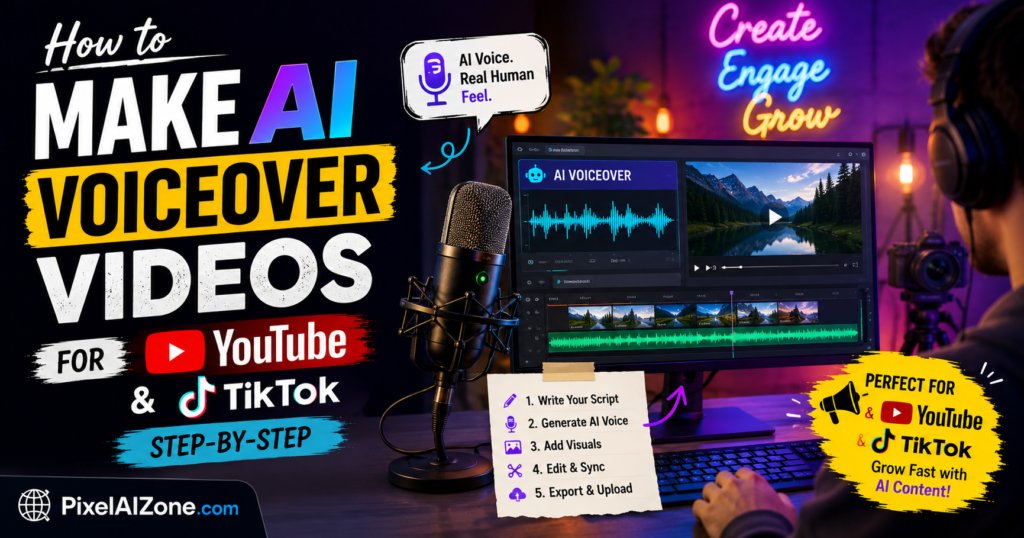
No microphone. No recording studio. No acting skills. Just AI.
Imagine creating professional voiceover videos in minutes – without ever opening your mouth.
Sounds impossible?
It’s not.
In 2026, AI voiceover tools have become so realistic that you can’t tell the difference between a human and AI.
In this guide, I’ll show you exactly how to make AI voiceover videos for YouTube, TikTok, and Instagram using two powerful tools: ElevenLabs and Fliki AI.
Table of Contents
- Why AI Voiceover Videos Are Exploding in 2026
- What You’ll Need to Start
- Step 1: Write Your Script
- Step 2: Generate AI Voiceover with ElevenLabs
- Step 3: Create the Full Video with Fliki AI
- Step 4: Add Captions & Effects
- Step 5: Export & Upload
- Best Niches for AI Voiceover Videos
- How to Make Money from These Videos
- FAQ
Why AI Voiceover Videos Are Exploding in 2026
Here’s the truth:
Viewers don’t care if a human or AI is speaking. They care about valuable content.
And AI voiceover videos give you:
✅ Speed – Create 10 videos in the time it takes to record 1
✅ Quality – No background noise, no “ums” and “ahs”
✅ Scalability – Run 3-5 channels simultaneously
✅ Privacy – Never show your face or use your real voice
✅ Cost – Pennies per video vs. hundreds for professional voice actors
“According to Forbes, AI voiceover content is growing 40% faster than traditional video content.”
What You’ll Need to Start
| Tool | Purpose | Cost |
|---|---|---|
| ElevenLabs | Realistic AI voiceover | Free tier available |
| Fliki AI | All-in-one video creation | Free tier available |
| ChatGPT | Script writing | Free |
| Canva | Thumbnails | Free |
Total cost to start: $0 ✅
Step 1: Write Your Script
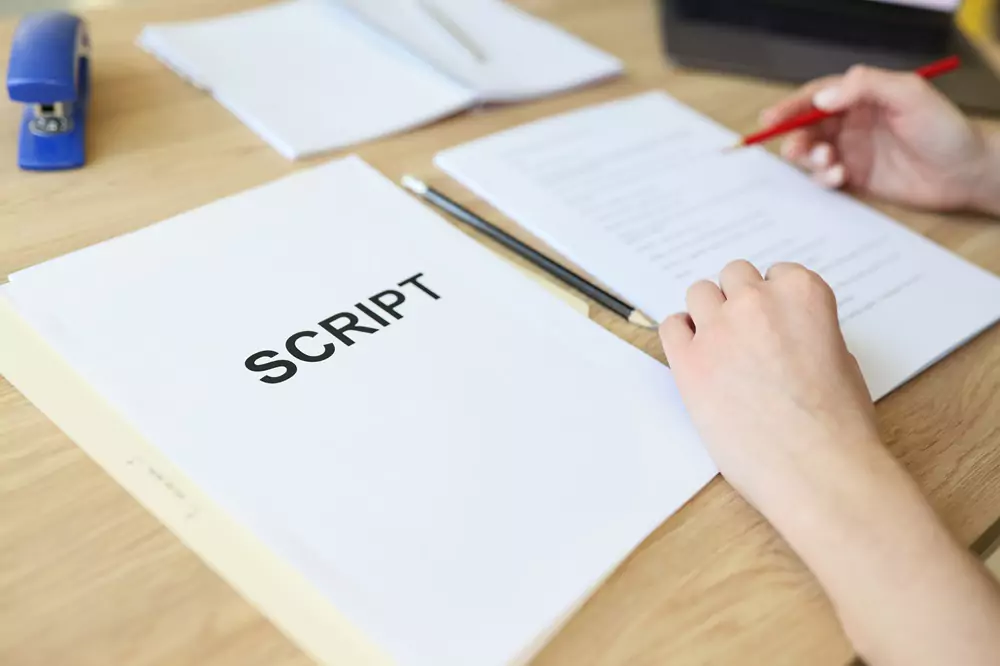
Before generating any voice, you need a script.
Keep your script simple:
- 150-200 words for 60-second videos
- Short sentences (easy for AI to read naturally)
- Engaging hook in first 5 seconds
Sample script (History niche):
“In 1922, archaeologists made a discovery that would change history forever. They found King Tut’s tomb – completely untouched for 3,000 years. But what they didn’t expect was the curse. Within years, several team members died under mysterious circumstances. Was it coincidence? Or something darker? Let’s find out.”
Pro tip: Use ChatGPT to write scripts. Just give it your niche and desired length.
Step 2: Generate AI Voiceover with ElevenLabs
ElevenLabs is widely considered the most realistic AI voice tool available today.
Why ElevenLabs?
| Feature | Benefit |
|---|---|
| 29+ languages | Reach global audience |
| Emotion control | Happy, sad, angry, whisper |
| Voice cloning | Use any voice (with permission) |
| Free tier | 10,000 characters monthly |
“ElevenLabs has been recognized by TechCrunch as one of the most realistic AI voice tools available today.”
How to Use ElevenLabs (Step-by-Step):
| Step | Action |
|---|---|
| 1 | Go to ElevenLabs website |
| 2 | Create free account |
| 3 | Paste your script |
| 4 | Choose a voice (Adam, Rachel, etc.) |
| 5 | Click “Generate” |
| 6 | Download MP3 file |
Time taken: Less than 1 minute for a 60-second script.
🔴https://try.elevenlabs.io/3sf6fs1dcxl4 – ElevenLabs Pro Plan]
Best Voices for Different Niches:
| Niche | Recommended Voice |
|---|---|
| History/Facts | Adam (calm, authoritative) |
| True Crime | Rachel (serious, engaging) |
| Motivation | Josh (energetic, inspiring) |
| Educational | Emily (clear, friendly) |
Step 3: Create the Full Video with Fliki AI
Fliki AI is an all-in-one tool that combines voiceover + visuals + video export.
Why Fliki AI?
| Feature | Benefit |
|---|---|
| 75+ languages | 1300+ voices |
| Stock media library | 2M+ images/videos |
| AI image generation | Create custom visuals |
| Subtitle generator | Auto-captions included |
| Free tier | 5 minutes of video/month |
How to Use Fliki AI (Step-by-Step):
| Step | Action |
|---|---|
| 1 | Go to Fliki AI website |
| 2 | Create free account |
| 3 | Click “New file” → “Video” |
| 4 | Paste your script |
| 5 | Choose voice (or use ElevenLabs file) |
| 6 | AI matches visuals automatically |
| 7 | Adjust timing and transitions |
| 8 | Add background music (optional) |
| 9 | Generate video |
| 10 | Export in 1080p |
Time taken: 5-10 minutes for a complete video.
🔴 https://fliki.ai/?via=ibtsam – Fliki AI Pro Plan]
Fliki AI vs ElevenLabs + Other Tools:
| Feature | ElevenLabs + Other | Fliki AI (All-in-One) |
|---|---|---|
| Voice quality | Excellent | Very Good |
| Stock footage | Need separate tool | Built-in ✅ |
| Subtitle generation | Need separate tool | Built-in ✅ |
| Time per video | 15-20 min | 5-10 min ✅ |
| Monthly cost | Higher | Lower ✅ |
My recommendation: Use ElevenLabs for superior voice quality, or Fliki AI for one-stop convenience.
Step 4: Add Captions & Effects
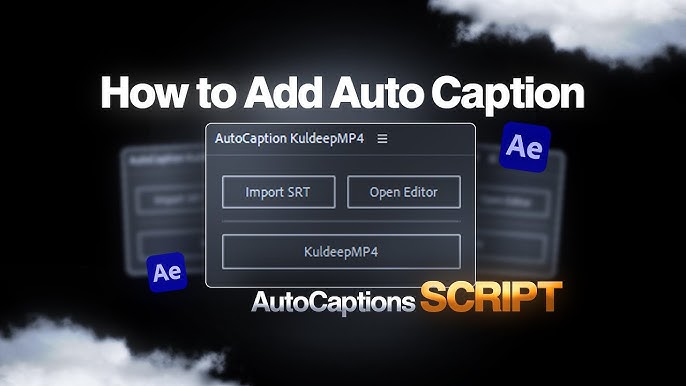
Captions are essential for TikTok, YouTube Shorts, and Instagram Reels.
Why captions matter:
- 85% of social media videos are watched without sound
- Captions increase retention by 40%
- Accessibility for hearing-impaired viewers
Both ElevenLabs and Fliki AI can add captions automatically.
Best Practices for Captions:
| Do This | Avoid This |
|---|---|
| Use large, bold text | Tiny, hard-to-read fonts |
| One line at a time | Multiple lines on screen |
| High contrast (white on black) | Light colors on light backgrounds |
| Sync perfectly with audio | Off-timing captions |
Step 5: Export & Upload

Export settings for different platforms:
| Platform | Resolution | Aspect Ratio | Format |
|---|---|---|---|
| YouTube | 1920×1080 | 16:9 | MP4 |
| YouTube Shorts | 1080×1920 | 9:16 | MP4 |
| TikTok | 1080×1920 | 9:16 | MP4 |
| Instagram Reels | 1080×1920 | 9:16 | MP4 |
Best upload times:
| Platform | Best Time (EST) |
|---|---|
| YouTube | Tuesday-Thursday, 10 AM-2 PM |
| TikTok | Tuesday-Thursday, 7-9 PM |
| Wednesday-Friday, 11 AM-1 PM |
Best Niches for AI Voiceover Videos
| Niche | Why It Works | Difficulty | Earnings Potential |
|---|---|---|---|
| History Facts | High curiosity, evergreen | Easy | $1k-5k/month |
| True Crime | High retention, high CPM | Medium | $3k-10k/month |
| Motivational Quotes | Easy to produce, shareable | Easy | $500-2k/month |
| Top 10 Lists | Structured, searchable | Easy | $1k-4k/month |
| Reddit Stories | Existing audience, free content | Easy | $800-3k/month |
| Science Explained | Educational, high value | Medium | $1.5k-5k/month |
| Book Summaries | Helpful, low competition | Medium | $2k-6k/month |
“According to Social Blade, history and true crime channels have the highest CPM rates on YouTube.”
🔴 https://try.elevenlabs.io/3sf6fs1dcxl4– ElevenLabs for Best Voice Quality]
🔴 https://fliki.ai/?via=ibtsam – Fliki AI for All-in-One Video Creation]
How to Make Money from These Videos

Once you start posting AI voiceover videos, here’s how you can monetize:
Method 1: YouTube Ad Revenue
| Requirement | Amount |
|---|---|
| Subscribers | 1,000 |
| Watch hours | 4,000 |
| Potential earnings | $1k-10k/month |
Method 2: TikTok Creator Fund
| Requirement | Amount |
|---|---|
| Followers | 10,000 |
| Views (last 30 days) | 100,000 |
| Potential earnings | $100-1,000/month |
Method 3: Affiliate Marketing (Your Tools)
Promote the same tools you use:
- ElevenLabs affiliate commission
- Fliki AI affiliate commission
- Other video editing tools
🔴 https://try.elevenlabs.io/3sf6fs1dcxl4 – ElevenLabs Affiliate Program]
🔴 https://fliki.ai/?via=ibtsam – Fliki AI Affiliate Program]
Method 4: Sell Your Services
Once you master AI voiceover videos, offer services to:
- YouTubers who hate recording
- Businesses needing explainer videos
- Course creators needing narration
Typical rates: $50-200 per video
Sample Workflow (30-Minute Video Production)
| Step | Task | Time |
|---|---|---|
| 1 | Write script (ChatGPT) | 5 min |
| 2 | Generate voiceover (ElevenLabs) | 2 min |
| 3 | Create video (Fliki AI) | 10 min |
| 4 | Add captions & polish | 5 min |
| 5 | Export & upload | 3 min |
| 6 | Thumbnail & description | 5 min |
Total time: 30 minutes per video ✅
Common Mistakes to Avoid
| ❌ Mistake | ✅ Fix |
|---|---|
| Robotic voice | Use ElevenLabs with emotion settings |
| No captions | Always add subtitles |
| Poor script | Write engaging hooks first |
| Wrong niche | Choose high-CPM topics (finance, true crime) |
| Inconsistent posting | Schedule 3-5 videos weekly |
FAQ
Q: Is AI voiceover allowed on YouTube/TikTok?
A: Yes. Both platforms allow AI-generated content as long as it’s original and adds value.
Q: Do I need to disclose AI voice?
A: Not required by platforms, but transparency builds trust.
Q: Can I use ElevenLabs voice for commercial videos?
A: Yes, with their paid plan. Free tier is for personal use only.
Q: Which tool is better – ElevenLabs or Fliki AI?
A: ElevenLabs has superior voice quality. Fliki AI is better for all-in-one video production. Use both.
Q: How much can I earn as a beginner?
A: With consistent posting (3-5 videos/week), expect $500-2,000/month in 3-6 months.
Final Thoughts
Making AI voiceover videos isn’t complicated.
You need:
- A script (ChatGPT)
- A voice (ElevenLabs)
- A video editor (Fliki AI)
That’s it.
Stop overthinking. Start creating.
Pick a niche from the list above. Write your first script today. Generate your first voiceover. Create your first video.
Your first video will be imperfect. That’s okay. Your 50th video will be professional.
The only difference between those who succeed and those who don’t? Starting.
Related Posts on PixelAIZone
Shocking: 10 Things Your Smartphone Is Spying Secretly on You (Without You Knowing)
Best AI Tools for Making Money Online in 2026 (Powerful & Viral Guide)
ChatGPT vs Gemini in 2026 (Powerful AI Comparison Guide)
Top 10 Powerful Work From Home Jobs for Students in 2026
How to Start a Blog and Make Money in 2026 (Ultimate Beginner Guide)
Ultimate Guide: Best AI Tools for Content Creators in 2026
Ultimate Guide: Best Web Hosting for Beginners in 2026
Ultimate Guide: Best Freelancing Skills to Learn in 2026 for Beginners
Free AI Tools For Students In 2026
How to Use ChatGPT for Beginners (Easy Step-by-Step Guide 2026)
Got questions? Drop a comment below. I reply to every single one.
Made money using this guide? I’d love to hear your story.